One question decides it
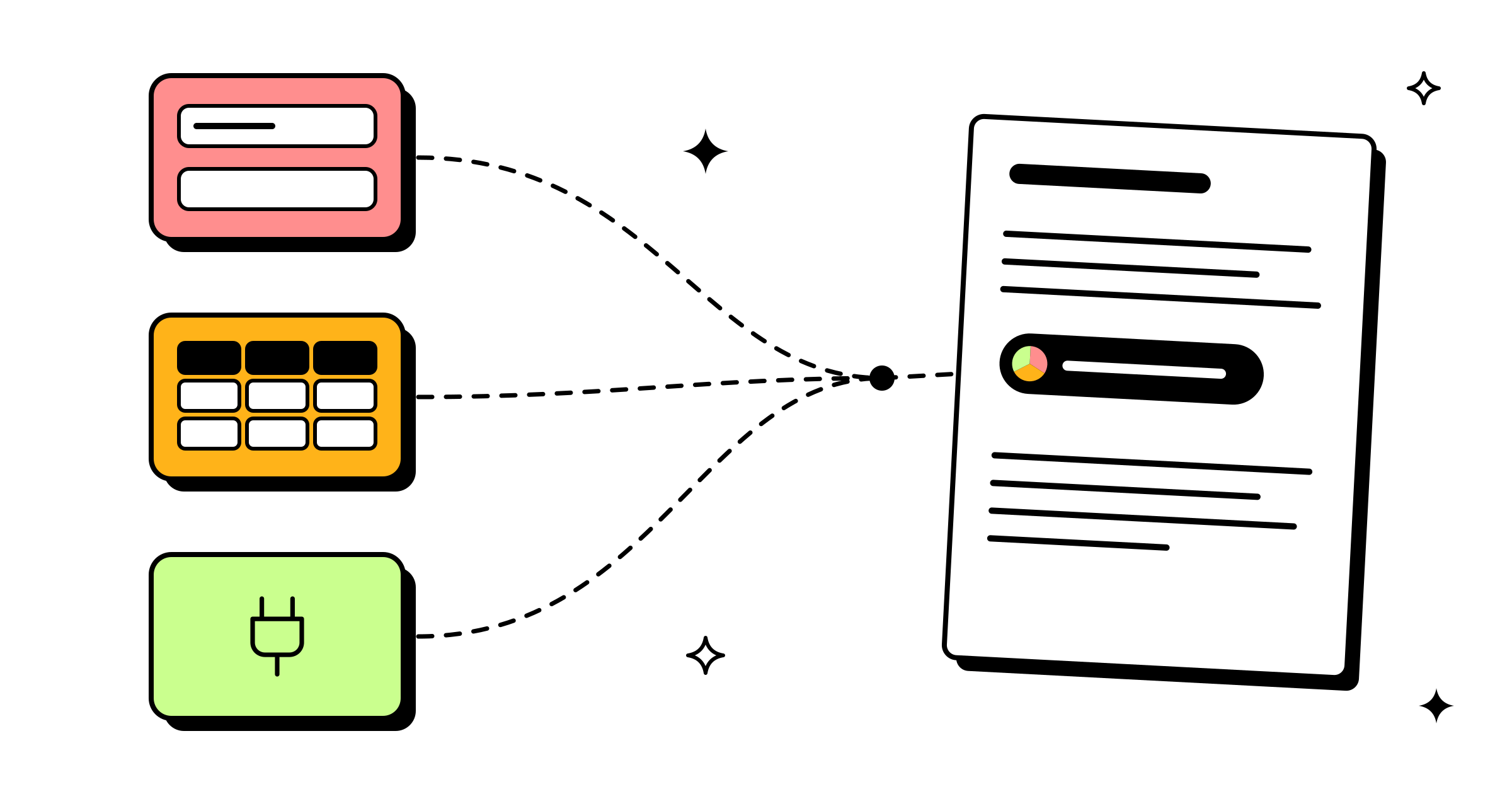
Every placeholder in a Drafta template takes its value from one of three sources. Choosing between them is quicker than it looks, because it comes down to a single question:
Where does this piece of data live?
If it's in your head and different every time, it's a Form. If it's in a list you own and maintain, it's a Dataset. If another system is the source of truth, it's an Integration.
Form: typed in when you generate
A Form placeholder becomes one question in the Generation form. Each has a field format that decides what can be entered and how the answer appears in the document:
- Text for names, addresses and notes
- Number and Currency, with separators and decimal places set once on the placeholder
- Single select and Multi select, for answers from a fixed list
- a single select inserts the one option picked, exactly as written
- a multi select puts every option picked into the same document; it never starts a batch
- Date, in the format your documents use, with or without the time
The more structured the format, the more consistent your documents. Use Text only when nothing else fits.
Dataset: your own records
A Dataset is a spreadsheet-like table of typed columns, kept inside Drafta. Name it after what a row represents (Clients, Products, Employees), then add columns in the same formats as Form placeholders.
A placeholder can point at a single cell, or at a whole column. A column gives one value per row, and that's what starts a batch: one document per client, per product, per employee. Number and Currency columns also offer a sum, so a placeholder can carry a total instead of one value per row.
Keeping a Dataset tidy
- One Dataset per kind of thing. Clients and products are separate tables.
- Use selects for anything enumerable, such as status, plan or country.
- Set Currency and Date formats on the column. That formatting is what lands in the generated text.
- Sort, filter and group the table view to keep a growing Dataset readable.
Integration: live data from another system
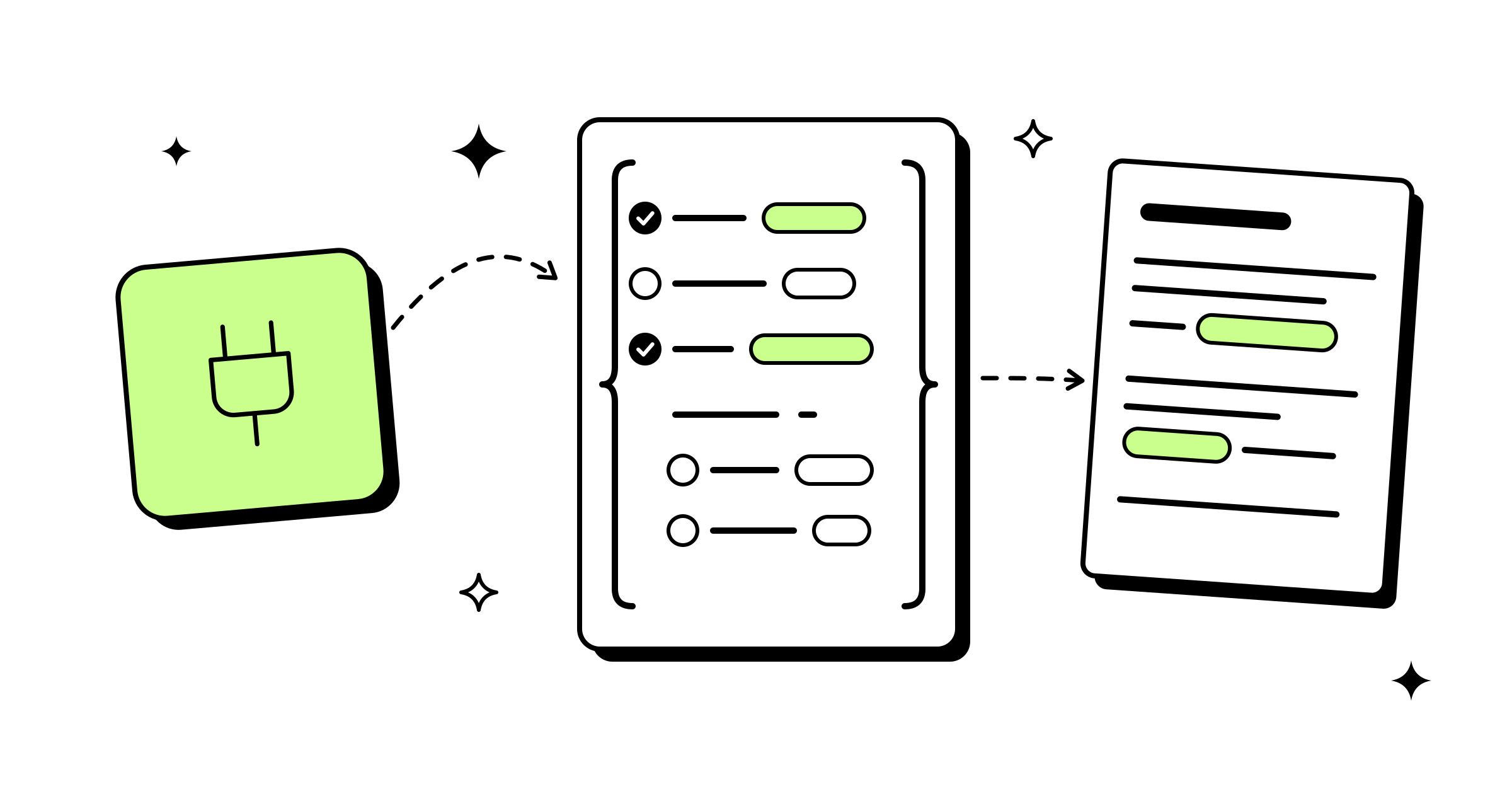
An Integration is a saved connection to an external HTTP API. You enter the URL (always https://), the method, and the API key once. Drafta then makes the request from its own servers at generation time.
HTTP parameters
Each integration holds named presets of headers, query values and, for POST, a JSON body. Click Get data, then click the keys you want from the response. Given this answer:
{
	"weather": { "temp": 25, "city": "London", "wind": "fast" },
	"updated": "2026-10-20"
}
keeping temp and city inserts weather: (temp: 25, city: London). The response has to be JSON , and one preset always gives one value; picking several presets on a placeholder gives one document per preset.
Your key stays yours
The API key is write-only. It's encrypted when saved, nobody can read it back, and Drafta only shows its last four characters. Changing the URL to another host clears it, so a key is never sent somewhere you didn't enter it for.
A smell test for later
Typing the same Form answer for the third time? That data wants to be a Dataset.
Pasting from another app into a Dataset every week? That data wants to be an Integration.
Maintaining an Integration to a system you barely use? A small Dataset you update monthly may honestly be less work.
More detail on every field format and integration setting is in the Data sources guide .