Two ways to get a PDF
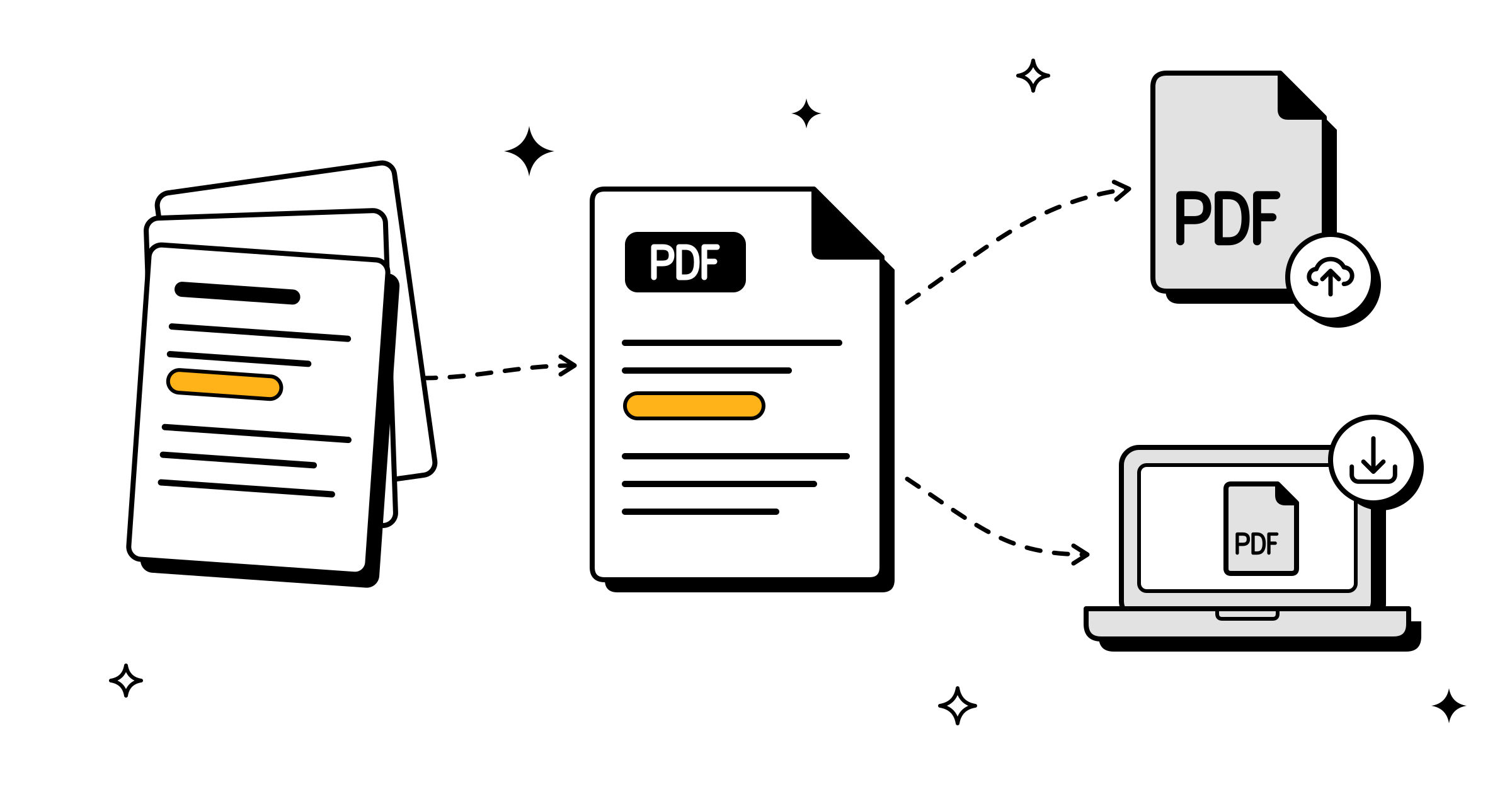
Documents live in Drafta's own editable format, which is what you open and change. A PDF is the frozen, shareable snapshot you send. You can get one in two ways:
- At generation time, for every document a generation produces.
- At any time later, for any single document, generated or created blank.
PDFs for a whole generation
In the Generation form, before you click Generate, turn on Export document(s) to PDF. Each document is saved as usual, plus a PDF copy next to it in the template's save folder.
The switch applies to the whole run. Generate 40 contracts with it on and you get 40 PDFs. Pair it with a default save path on the template and one click produces a folder of files ready to send.
Or one document instead of forty
When a generation produces several documents, the Generation form also offers Merge into a single document. All of them are joined into one document, with an empty line between each, and the PDF switch then gives you one PDF of the lot. It's handy for a printable pack of certificates or a single review copy of a batch.
A PDF of any document, any time
Open the document, then pick Export PDF in its settings. Two options:
- Save to Drafta stores the PDF in your workspace, next to the document. Use it when the PDF should stay with your work, in your folder structure, on any device.
- Download PDF saves the file straight to your computer and keeps no copy in Drafta. Use it when you need the file right now, to attach to an email, upload to a portal or print.
Good to know
- A PDF is a snapshot. Editing the document later doesn't change PDFs you've already made, so export again for a fresh copy.
- PDF is the export format Drafta supports today.
- If a few PDFs of a large generation can't be created, the documents themselves are still there. Use Export PDF → Save to Drafta on them afterwards.
The Exports guide in the Help Center has the step-by-step version.