The same document, over and over
Most document work isn't writing. It's the same contract with a different client name, the same offer with different prices, the same monthly report with this month's numbers. The usual workflow is copy, paste, rename, repeat a quiet way to lose an afternoon, and a reliable way to send a client someone else's name.
Drafta starts from a simple observation: every one of those documents has a part that stays the same and a part that changes. Keep them apart and the repetitive part disappears.

Two building blocks
The template
A Template is the part that stays the same. You write it once in Drafta's rich-text editor, with headings, tables, images and all, exactly as the finished document should read.
The placeholder
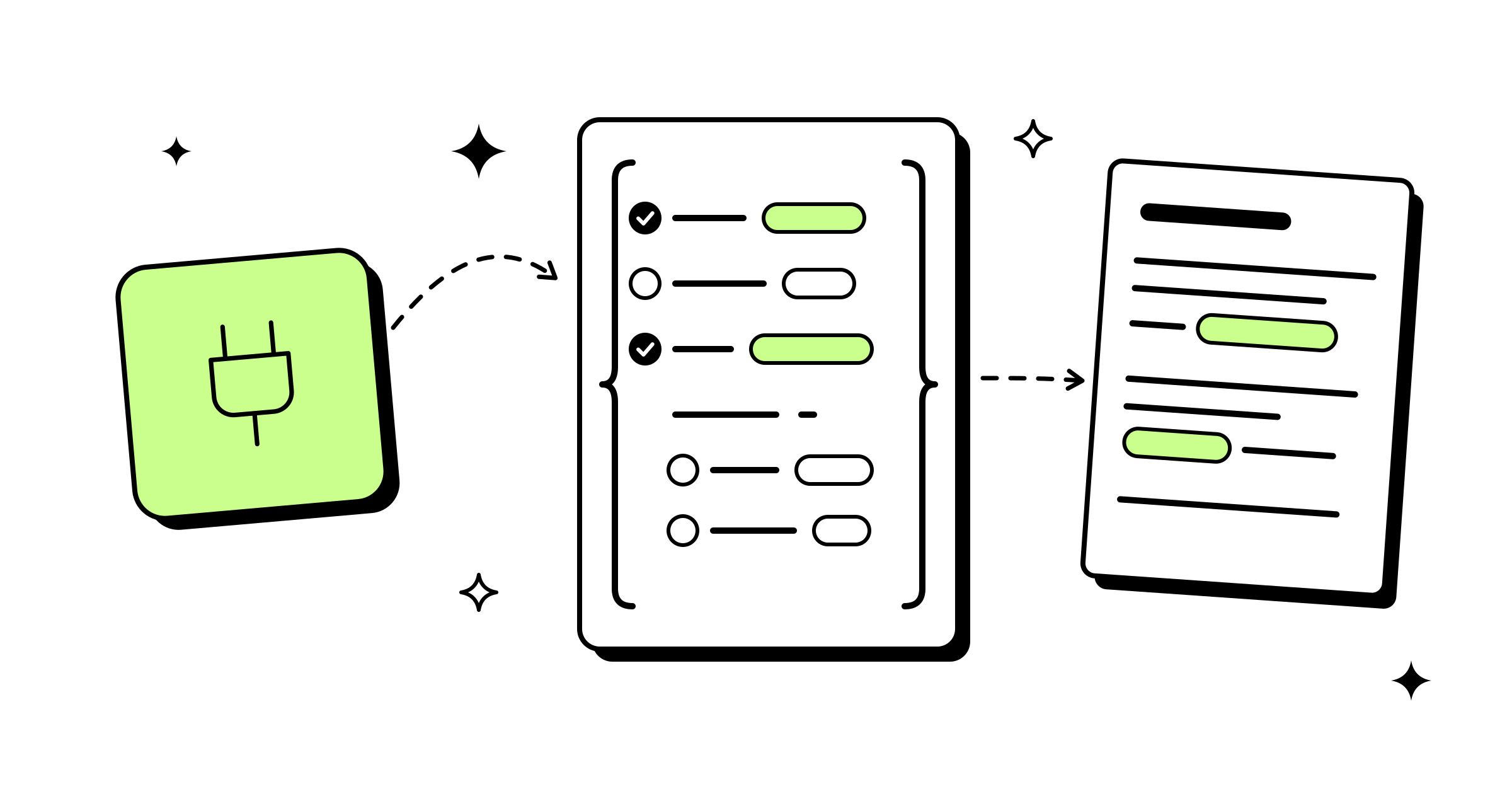
A Placeholder is the part that changes. It sits inline in the template's text, and at generation time it's replaced by a real value. Each placeholder knows where its value comes from:
- Form: you type or pick the value when you generate. Good for one-off details like a signing date or a custom note.
- Dataset: a cell or a whole column of a spreadsheet-like table you keep in Drafta. Good for your client list or product catalog.
- Integration: a live answer from an external API you've connected. Good for CRM records or financial figures.
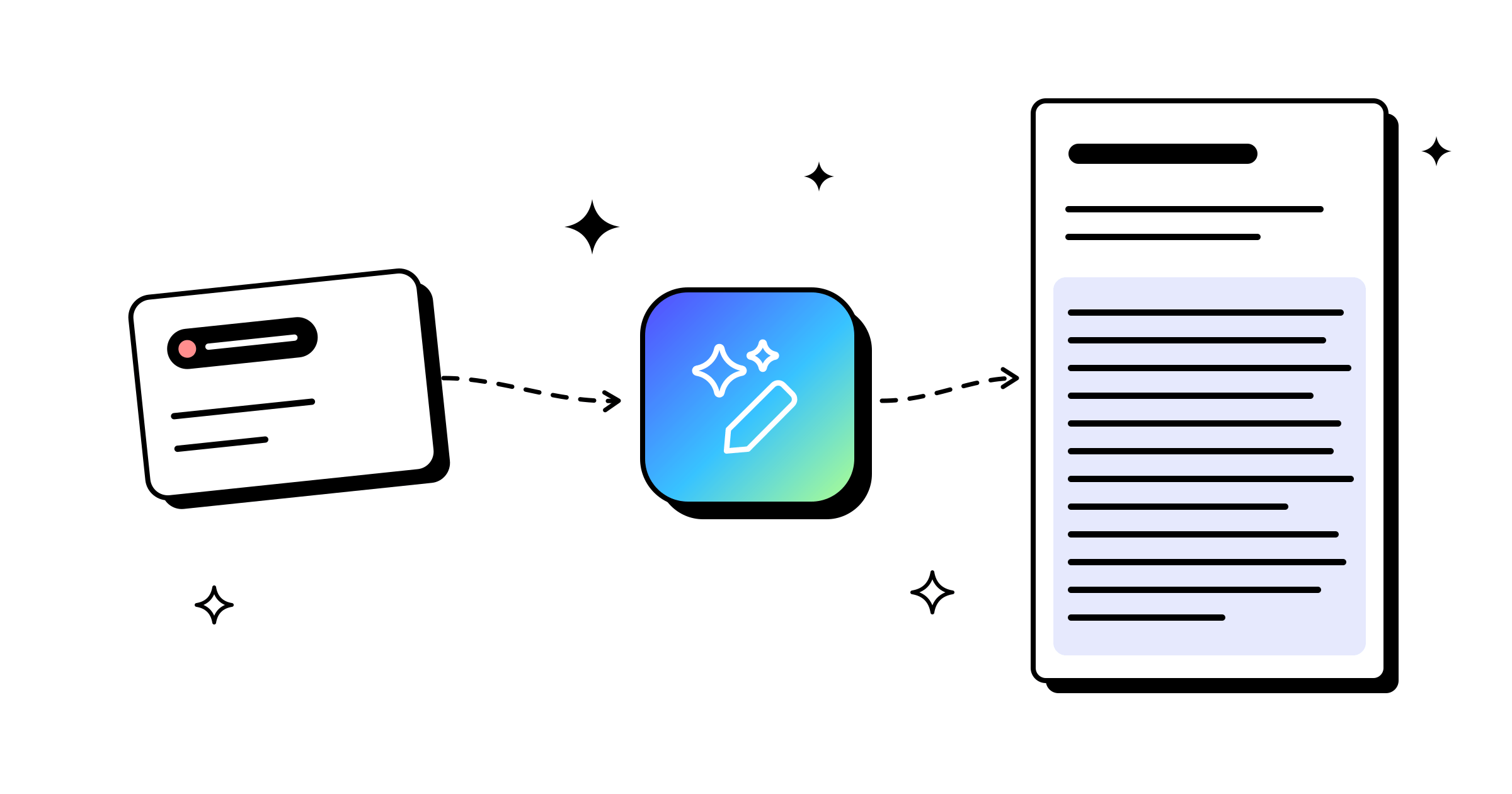
On top of that, AI can help at two levels: Magic Writer drafts static text while you design the template, and AI handlers turn a placeholder's raw value into finished prose while documents are generated.
The loop
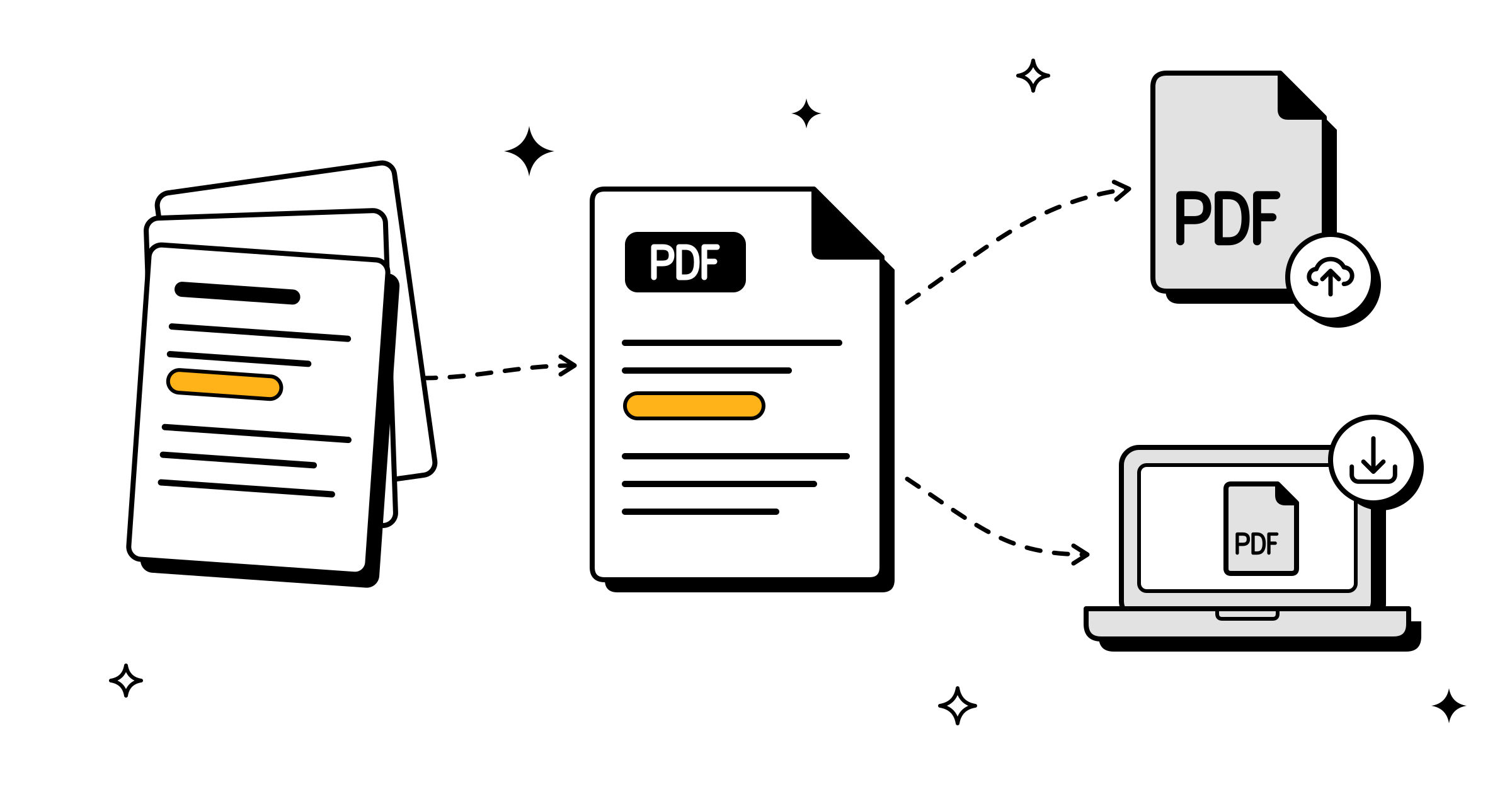
Structure once with a template, connect data through placeholders, refine with AI if you want to, then generate and export.
That loop is the whole product. Everything else is a more powerful way of feeding it.
When one becomes many
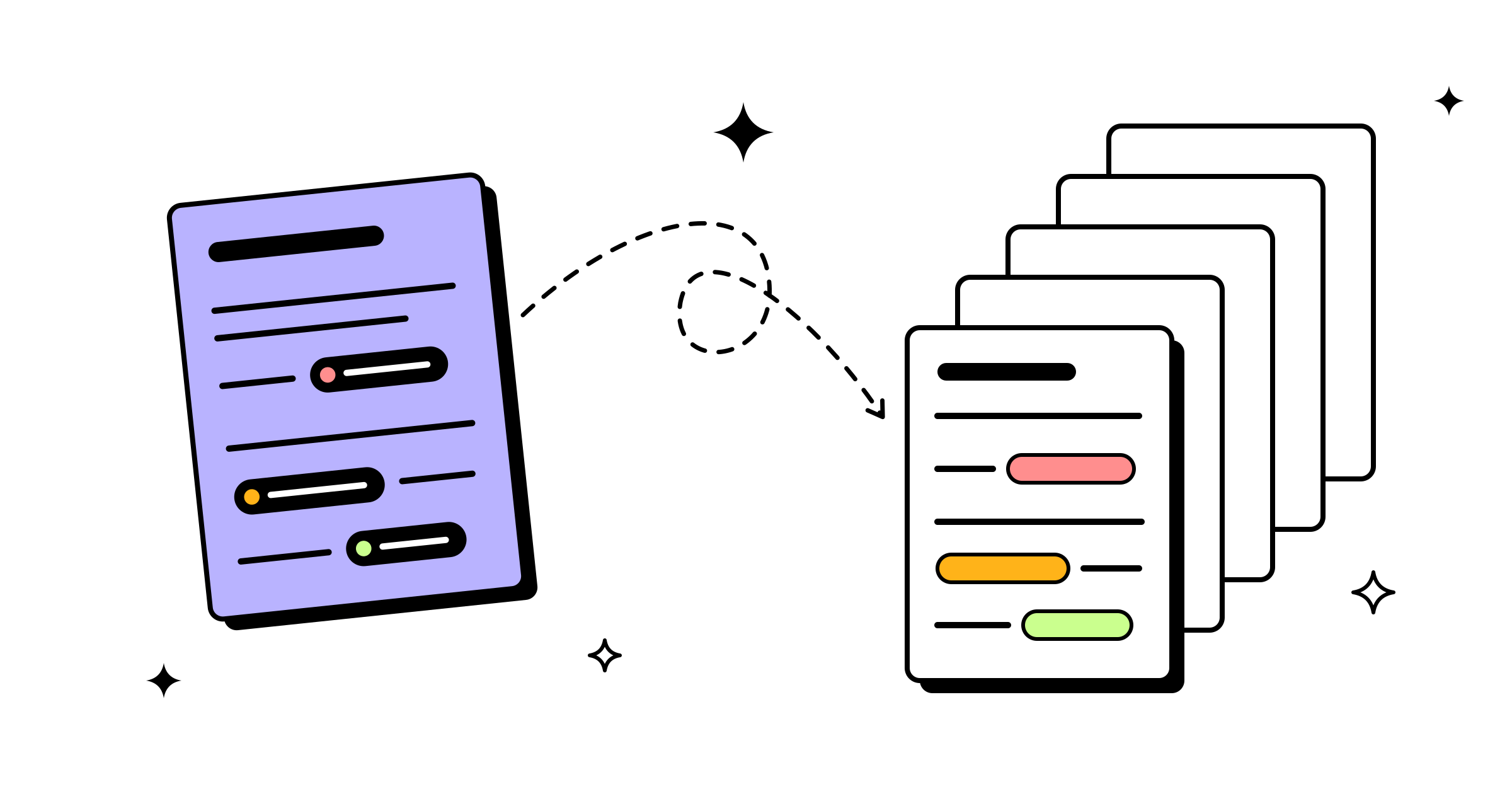
When a placeholder resolves to more than one value, say a Dataset column with 40 clients, Drafta generates one document per value. That's batch generation, and it runs on Drafta's servers in the background, so it keeps going even if you close the tab.
Your first document in five minutes
No Datasets, no Integrations and no AI yet. Just the core mechanic, so you feel the loop once:
- Create a template.
- In the sidebar, under Create new, click Template.
- Name it after what it produces, for example
Onboarding certificate.
- Write one sentence: This certificate confirms that our client has completed onboarding.
- Replace "our client" with a placeholder.
- Insert a Placeholder from the editor toolbar.
- Name it
Client nameand set its data source toForm. - Give it the question
What is the client's full name?. It's what you'll be asked when you generate.
- Generate.
- Under Create new, hover over Doc from template and choose your template.
- Answer the question in the Generation form and watch the preview update.
- Click Generate.
Open the new document: the placeholder is gone and the real name is in.
What you just learned
That's most of Drafta. Datasets, Integrations, AI handlers and batch generation are this same loop with stronger data sources plugged in. The Getting Started guide in the Help Center walks through every step with more detail.